






































Published 20 November 2026
Last Updated 20 November 2026
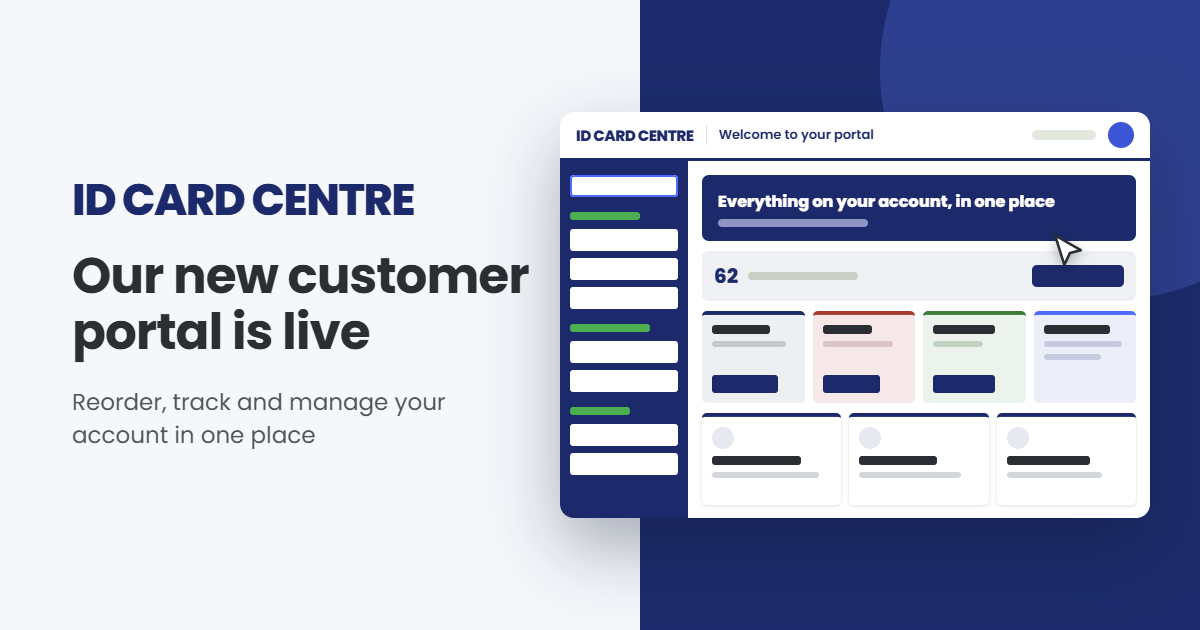
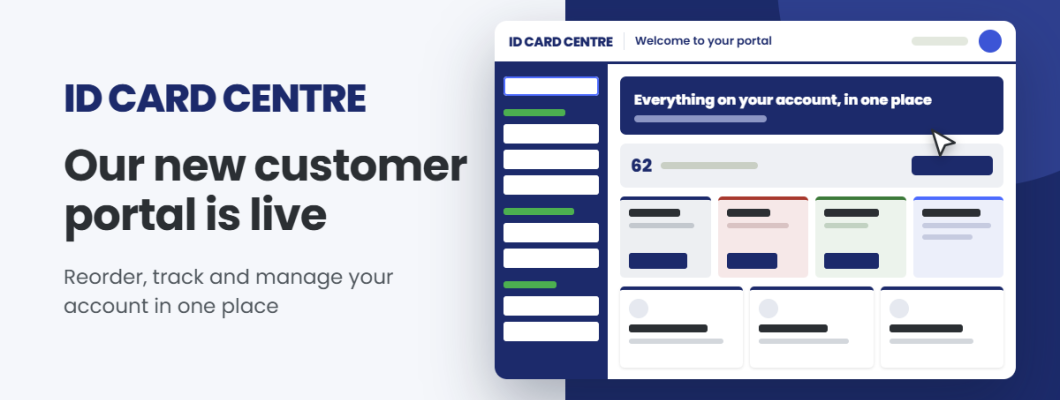
Our new customer portal is live: reorder, track and manage your account in one place
Our new customer portal is live, so you can now reorder anything you’ve bought from us, track every delivery and download any invoice from one login. Here’s what’s in it and how each part works.
Your dashboard shows what’s happening on your account
When you sign in, the first thing you’ll see is a dashboard set up for you. Any orders in progress appear straight away, without you having to click into anything. Outstanding invoices sit beside them with options to pay, and if you’ve raised a support ticket, you can see where it’s up to.
The menu runs down the left-hand side and groups everything by task, so shopping, order history, finance and your saved artwork each have their own place. If you’d like more room on screen, you can tuck it away.
Reordering takes a couple of clicks
Every product you’ve bought from us is now listed in the portal by category, with its product code, the order it came from, its pack size and its price. You can see what’s in stock before you add anything.
There are two ways to reorder. If you need the same order again, choose Repeat a completed order and search by your PO number, our order number or your web order number, then add any extra products before you carry on. If you need a few items from different orders, Create your own re-order lets you pick them from the full list and combine them into one order.
When you send a re-order, our Order Processing team checks the prices and your delivery preferences, then creates the order. No payment is taken when you submit it.
Get up to five orders ready in advance
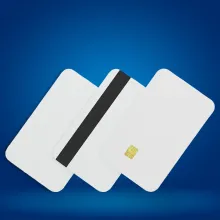
Plenty of ID card orders are tied to a date you already know, like a September intake or a conference in the spring. The basket now holds up to five saved re-orders, so you can build them whenever suits you and send them when the date gets closer.
Each saved order shows its item count, its value and the date you added it. When you’re ready, tick the ones you want and submit them together. Before you do, you’ll see the billing address, delivery address, products and delivery method for each, so you can check everything first.
Bureau orders arrive with everything our team needs
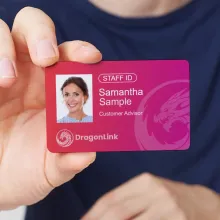
If you use our in-house bureau, you can now send card orders through the portal. For one or two cards, type in each person’s details and attach a photo. For larger runs, upload a spreadsheet with photos, a single zip file or a print-ready PDF. Need a new design? Start a new bureau order and our bureau team will set up the template.
The Artwork section keeps your logos and designs in one library, alongside the artwork we already hold for you. If you upload a new version with the same name, both are kept with the newest first, which keeps reordering personalised products simple.
Orders, invoices and returns in one list
Orders & Tracking lists every order, newest first, with your own PO or reference beside it. You can search by order number, reference, date, status or tracking reference. Open any order to see the delivery address, the dispatch status and a Track button where tracking is available, and download the invoice as a PDF or email a copy from the same page.
If something needs to come back, Raise a Return sits on every order. Once we’ve set the return up, you can download the return form and shipping label from the Returns section and follow its status there.
You decide who uses your account
Admins can invite colleagues with a one-time sign-in link that lasts 72 hours, so there are no passwords to share. You choose whether each person sees every order on the account or only their own. Admins can also update contacts and delivery addresses, and we’d recommend turning on two-factor sign-in under Security.
If you need help with an order, the support form asks for your order number, the type of problem and a photo, so your ticket reaches us with the right details first time. You can follow its progress from your dashboard.
Log in and set up your first re-order
Log in to your customer portal today to see everything you’ve ordered from us and get your next order ready. If you haven’t received your login link yet, click on “customer portal” next to your basket in the top right of this screen, fill in your email address and we’ll send one over.