









Published 04 August 2026
Last Updated 04 August 2026
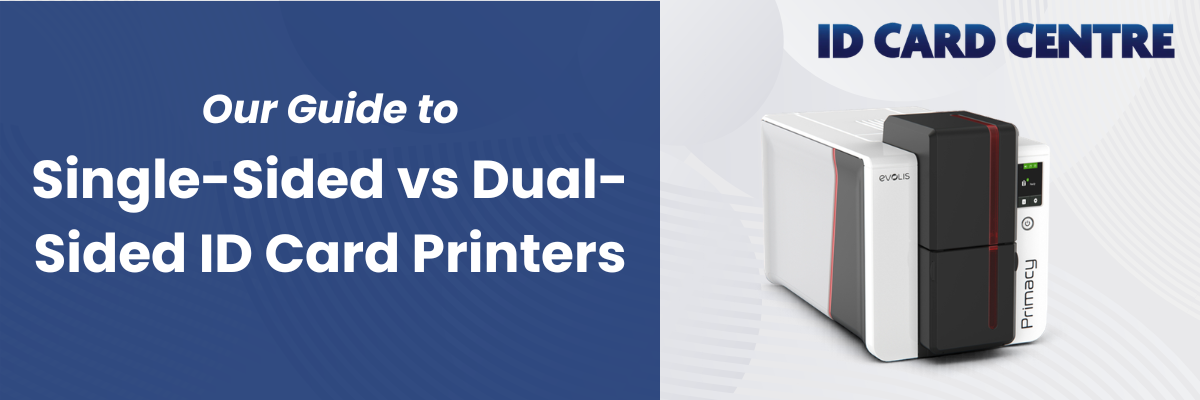
Choosing between a single-sided and dual-sided ID card printer comes down to your card design, print volume and quality. Both can offer enhanced security features and provide high-quality ID cards for your organisation. Here's our guide to choosing the right one for your needs.
Single-Sided or Dual-Sided: Head to Head
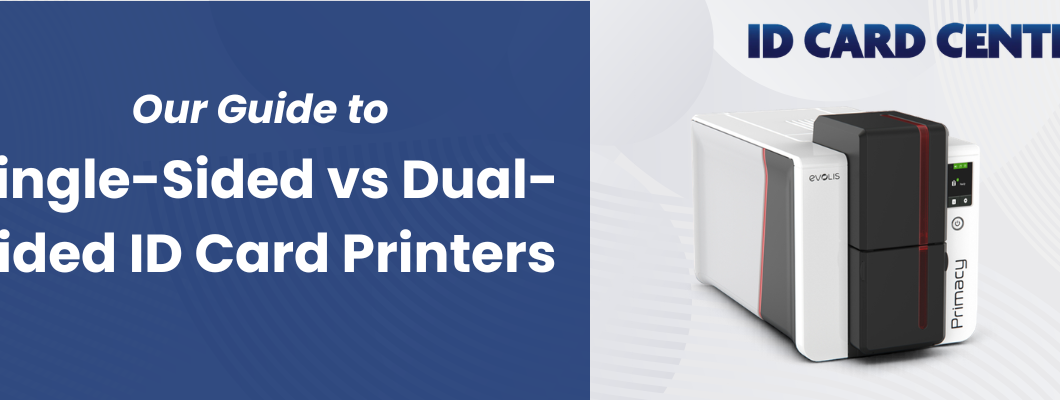
For this comparison, we compared the single-sided and dual-sided Primacy 2 ID card printer so you can see the costs, print speed and more of a real printer in action:
| Primacy 2 Single-Sided | Primacy 2 Dual-Sided | |
|---|---|---|
| What it prints | Front of the card only | Front and back, in one pass |
| Print speed | 280 cards/hour | 170 cards/hour (about 8 seconds more per card) |
| Cost per card (card + ribbon)* | 33p | 44p |
| Hardware price | From £1,115 | Available from new from £1,290, or add later with an activation key. |
| Card capacity | Photo, name, role, logo, barcode | All of the above, plus safety info, terms, or T&Cs on the back |
| Best for | Basic ID cards, staff badges, visitor passes, membership cards | Cards carrying safety info, T&Cs, or compliance data alongside identity |
| Warranty | 3 years | 3 years |
*Cost-per-card figures are based on a 100-pack of FOTODEK blank PVC cards plus the Primacy 2 YMCKO ribbon.
What a Single-Sided ID Card Printer Actually Does
A single-sided printer tends to be compact, cost-effective, and straightforward to operate. They can print high-quality ID cards with full-colour images, QR codes, text and more. That makes them a sensible starting point for staff ID badges, visitor passes, and membership cards where the front carries everything you need: a photo, a name, a job title, a logo and even a barcode or QR code.
Many single-sided ID card printers can also have encoder modules installed. This means that in a single pass, a person's credentials and access permissions can be added to their new ID card. So, for many organisations, a single-sided ID card printer is an excellent solution for increasing their security.
There's a practical cost advantage here too. A single-sided printer uses one ribbon pass per card. Fewer printer ribbons consumed per card means lower ongoing running costs, when compared to double-sided ID card printers, which matters if you're issuing ID cards regularly or at volume.
Single-sided printers are ideal if you only need to print on one side of the card, and many models can be upgraded after purchase to grow with your business. That upgrade path is worth factoring in from the start: buying a single-sided printer today doesn't always mean locking yourself out of dual-sided printing later.
What a Dual-Sided ID Card Printer Adds
A dual-sided ID card printer (sometimes called a duplex or double-sided printer) prints both sides of a card in a single pass. The card flips automatically inside the printer, so there’s no manual intervention or second run needed.
If you have a lot of information to carry, a double-sided printer may be better suited to your needs. The back of the card is useful real estate. Common uses include terms and conditions, emergency contact details, site rules, magnetic stripe data, a secondary barcode, or usage instructions. Dual-sided printing allows you to put the identity information on the front and keep the front uncluttered, while moving the supporting detail to the reverse.
Dual-sided printers can cost more than single-sided models, and they typically consume printer ribbons at a higher rate per card since both sides require a ribbon pass. Speed is a factor too: printing both sides of a card in a single pass takes longer per card than printing one side only, so throughput figures will be slightly lower for dual-sided jobs than the single-sided headline speed on the spec sheet of the printers you’re looking into.
Speed and Cost: What Each Option Actually Costs You
Dual-sided printing uses ribbon on both surfaces, so cost per card is higher than single-sided, and that adds up at volume. In return, you get identity information on the front and safety notices, terms, or a second barcode on the back, in one pass rather than a separate process.
Speed drops slightly too, but in many cases only marginally. The Evolis Primacy 2, for example, prints 280 single-sided colour cards an hour against 170 dual-sided, which works out to roughly 8 seconds more per card. At 100 cards, that's about 14 minutes difference, worth knowing if you're running large batches, but not a reason to rule dual-sided out on its own.
Hardware cost is slightly higher as well, and that gap widens further if you add encoding or lamination. What you're paying for here is the efficiency of printing content on both sides without a second production step.
If your card design genuinely needs both sides printing, a dual-sided printer is the most efficient way of achieving this. You can do it on a single-sided card by turning it over manually, but this takes additional time and can increase the chances of mistakes.
When You Should Choose a Single-Sided Printer
Staff photo ID is a great example of an ID card perfect for a single-single-sided printer. The front carries your company logo, a photo, name, and job role, and that's genuinely all it needs to do, so a single-sided printer does the job and keeps running costs down.
Student ID cards usually work the same way. The card shows a photo and institution details, and library or access functions run through a separate system entirely, so there's nothing for the back of the card to do.
Membership cards for clubs, gyms, or professional bodies rarely need more than branding and a member number and visitor passes, especially single-use or short-term ones are ideal candidates for a single-sided printer.
When a Dual-Sided Printer Makes Sense
Emergency and safety information is the strongest case for a dual-sided printer. Manufacturing sites, labs, and healthcare environments often need site-specific safety instructions or emergency contact details printed where they'll actually be seen and read and the back of the card is a great place to put this important information.
Some organisations, particularly in events and leisure, are required to carry terms and conditions on the card itself, whether for legal reasons or simply to reduce disputes at the door.
Public sector roles, healthcare staff, and contractors on managed sites also often carry more identity or compliance information than one side can hold, which pushes the decision toward dual-sided almost by default.
And at higher volumes, with more complex card designs, the time saved printing both sides in a single pass starts to outweigh the slightly higher cost per card.
Our Best Single-Sided and Dual-Sided Printers
Ready to choose the right ID card printer for your business? Here are the three most popular models available from ID Card Centre as quickly as tomorrow.
Zebra ZC100 (Single-Sided)
The Zebra ZC100 is designed for users with low to medium volume printing requirements, making it a cost-effective choice for smaller businesses. It prints single-sided professional images up to 300 dpi resolution onto ID cards and badges. Optional field upgrades include encoding and Ethernet connectivity, alongside security features to keep sensitive data secure. It's a clean, compact option for organisations that need reliable basic ID card printing without a large upfront investment.
Magicard 300 (Dual-Sided)
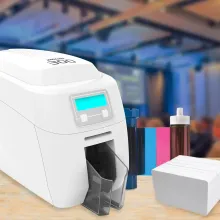
The Magicard 300 prints at 300 x 300 dpi, suitable for photos and logos, and includes digital shredding so data does not remain in the printer's memory after each job. This prints full-colour, single-sided card prints in under 23 seconds and monochrome in under 6 seconds. The dual-sided version handles both sides of a card in a single pass, making it well suited for organisations that need to print extra information on the reverse quickly. HoloKote adds optional anti-fraud watermarks, while digital shredding deletes data after each job to prevent theft.
Evolis Primacy 2 (Single-Sided and Dual-Sided)
For organisations that produce large volumes of cards, including corporate offices, healthcare, and education, the Primacy 2 is engineered for efficiency and can comfortably support large volume printing requirements, running to thousands of cards monthly. With high-resolution printing and crisp colour profiles, the Primacy 2 produces a sharp, professional finish. It's available in both single-sided and dual-sided configurations, which makes it a practical choice for organisations that want to start single-sided and retain the option to move to dual-sided printing as their ID card printing needs grow.
Does Your Card Design Drive the Decision?
Often, yes. Before choosing between printer types, it's worth finalising what your card design actually needs to carry.
A well-structured card design can achieve a great deal on one side: a full-colour photo, a name, a role, a company logo, a barcode, and a site or department code can all coexist comfortably on the front of a standard PVC card if the layout is planned properly. If your card design requires all of that plus safety information, terms on the back, or a machine-readable stripe, then dual-sided printing is the better choice for you.
Choosing the Right ID Card Printer for Your Organisation
ID Card Centre stocks both single and dual-sided printers across a wide range of budgets and volumes as well as all the consumables you need to run them and we have UK-based experts who can talk you through the best printers for the ID cards you need to print. So, if you're still not too sure where to start, please get in touch.
Frequently Asked Questions
Can a single-sided printer be upgraded to dual-sided later?
On many models, yes. The Evolis Primacy 2, for example, can be upgraded to dual-sided printing after purchase with an activation key rather than needing to buy a whole new machine. However, not all side-sided printers have this option. So if you think you might need dual-sided printing in the future, or just want to have it as an option, please check the specification or get in touch with our team to verify this before purchase.
Do I need encoding as well as printing?
Only if the card needs to do something beyond carry information visually, such as opening a door or clocking someone in and out. Encoding (magnetic stripe, smart card, or contactless) sits alongside printing rather than replacing it, and models like the Magicard 300 and Primacy 2 can have an encoder added as an optional extra.
How much does dual-sided printing add to the cost per card?
Dual-sided printing uses ribbon on both faces of the card, so running costs per card are higher than single-sided and print speed drops slightly too. As shown in the Primacy 2 comparison above, the cost of dual-sided printing on this model is 44p per card instead of 33p for single-sided printing.
Can I just print on both sides manually with a single-sided printer?
Technically you can feed a card through twice, but it's slow, prone to misalignment, and not something single-sided printers are built to handle reliably at volume. If you need both sides printed regularly, a proper dual-sided printer gets you a cleaner result in one pass.
You can also opt to have your cards pre-printed. Our card printing service can print the back of your card with the health and safety information or site instructions, for example, you need and then you can use your in-house printer to print everything else on the front of the card. This can increase printing efficiency on site while keeping costs at a minimum.
What card thickness works with these printers?
Most standard ID card printers, including the ones covered here, are built for standard 0.76mm (30 mil) PVC cards. If you're planning to use anything unusual, such as thicker access cards or an oversized format, check the printer's specification first, since not every model accepts a wider range of card thicknesses.
About the Author

Finley Barter
New Business Sales Executive
Finley Barter is a go-to expert for all things ID card printers and personalised lanyards, helping customers choose the right print solutions and branding options with confidence. Whether you're setting up a new system or upgrading your event materials, Finley ensures everything runs smoothly – from print quality to lanyard design.