






















- Stock: In Stock





CardExchange PriceTag Software, Built for the Food Industry
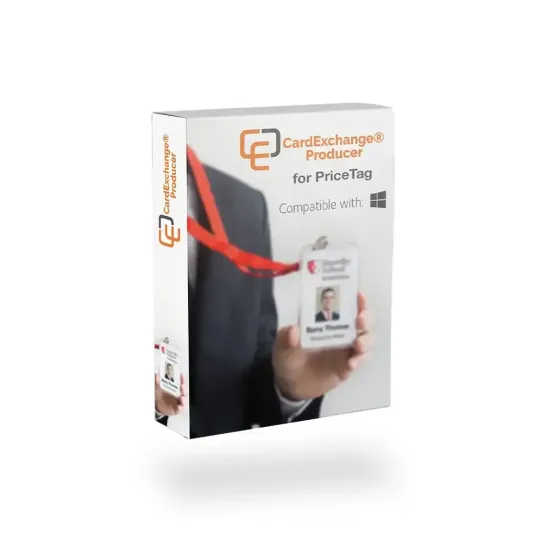
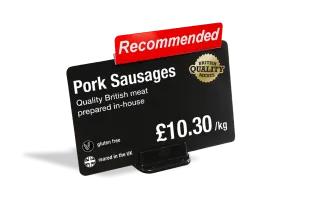
CardExchange® PriceTag is dedicated label design software built for retail and food service settings. It gives businesses a straightforward, professional way to design and print price signs, shelf labels, and product tags without handwriting a single card or wrestling with generic design tools.
CardExchange PriceTag Software Compatibility
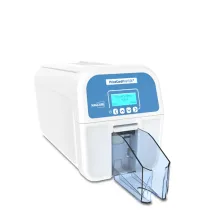
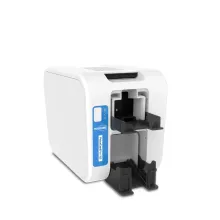
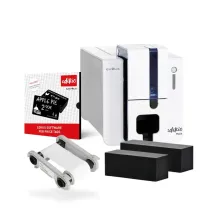
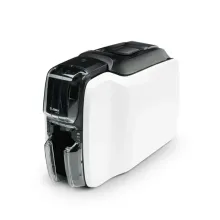
PriceTag is compatible with any Microsoft Windows printer, including:
What PriceTag Software Actually Does
The core job of CardExchange software is to simplify the creation and printing of price signs, tags, and labels. It does this through a purpose-built interface that will be familiar to anyone who's used the broader CardExchange family of card software. If you've used CardExchange® Producer, for example, you'll find the layout immediately recognisable. For businesses coming to it fresh, the interface makes printing professional price signs quick and easy, without requiring weeks of learning.
Getting to Know the Software
```html
| Spec | Detail |
|---|---|
| Platform | Windows (desktop installation) |
| Framework dependency | .NET Framework 4.6 (auto-installed if not present) |
| Barcode support | 1D and 2D barcodes |
| Database support | Integrated database; data import from management systems |
| Database connections | Native connections to major database systems; 128-bit encrypted connections |
| Label designs | Unlimited |
| Licence type | One-off licence purchase |
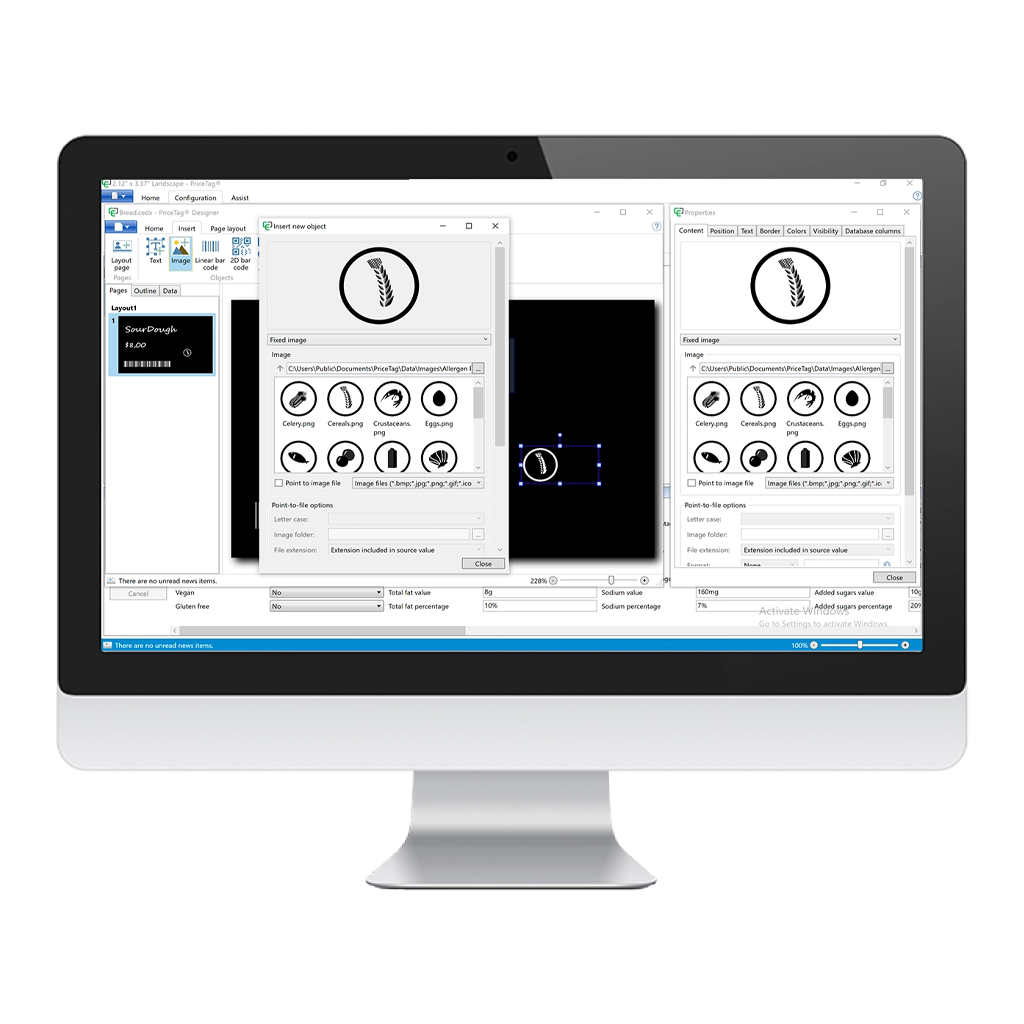
The software centres on a powerful integrated designer. Inside it, you can add text, graphics, logos, and allergen information to your designs, then arrange everything using the simple drag-and-drop tools available.
The designer supports both 1D barcodes and 2D barcodes, which means a product tag can carry more than just a price. Add 2D barcodes to your signs and customers can scan them to access additional information, whether that is a full ingredient list, a promotional page, or nutritional data that does not fit comfortably on the physical card.
All your card templates, images, and label data are stored in a database, so when a supplier changes a price or an ingredient changes, the relevant record updates in the database and the new sign is ready to print. There is no need to rebuild a design from scratch every time something changes. You can keep an unlimited number of designs organised within the system, and print signs as you need them. This makes printing signs much more efficient when you're managing multiple product lines, seasonal ranges, or different display formats across a single site or multiple sites.
Allergen Information and Food Labels
Customers need to be able to read ingredient and allergen information clearly at the point of display, and handwritten labels do not reliably meet that standard. Laminated paper alternatives can be difficult to keep clean, and they can deteriorate in the hot and humid conditions of some food counters.
CardExchange® PriceTag software is fully equipped with allergen and food icons, so you do not need to source or import imagery separately. You can include allergen information on your price signs as part of the standard design workflow, making food labels that are professional and clear.
Because the output is printed on plastic card stock using a compatible price sign printer, the resulting labels are hygienic, durable, and easy to wipe clean between uses or while updating displays throughout the day.
The Step-by-Step Wizard
One of the most practical elements of CardExchange® PriceTag for users who are new to card design software is the step-by-step wizard. Rather than opening a blank canvas and asking you to work out the design workflow yourself, the wizard guides you through each stage: naming the template, setting the card size and orientation, adding a logo if required, and selecting whether to include a barcode. At the end of the wizard, a complete card template is generated, ready to use or to refine further in the designer if you want to make any adjustments.
This guided setup process makes the software accessible to staff who are not graphic designers. A deli counter manager with no background in print production can work through the wizard, connect the template to a product database, and be printing consistent, branded price signs the same day. The whole setup process is designed to be completed quickly, without the need for IT involvement or specialist configuration.
Database Connectivity and the License Manager
CardExchange® PriceTag supports connection to your own existing databases. Each card template can be connected to its own database, and the software has native connections to all the popular SQL database types as well as ODBC. For businesses that already hold product information in a management system, this means the data does not need to be re-entered manually into the software. You connect the template to the relevant database column, and the information populates the design automatically when printing.
The network license manager built into the software supports multi-workstation deployments where more than one person needs access to the software. Centralised data storage means card templates, images, and database connections are held in one place rather than being duplicated across machines. This means that anyone in the business can print signs no matter where they are located.
System Requirements
CardExchange® PriceTag runs on Windows 8.1, 10, and 11, with support for both 32-bit and 64-bit systems. It needs Microsoft .NET Framework 4.8, a dual-core processor, and 400 MB of free disk space. Memory requirements are 2048 MB on 32-bit systems and 4096 MB on 64-bit systems. An internet connection is required.
Where CardExchange PriceTag Gets Used
A food hall, delicatessen counter, butcher's shop or confectioners, this price tag software is at home in any of these retail environments.
Signs need to change as products sell out, new stock arrives, or weekly prices shift. With CardExchange® PriceTag connected to a product database, a member of staff can pull up the relevant template, update the record, and print a replacement sign in a fraction of the time it would take to handwrite or laminate a new one. And the resulting sign is a consistent, clean display that reflects the business professionally.
Farm shops and independent food retailers face the same pressure. Products vary week to week, stock is often seasonal, and there may be a mix of pre-packed and loose items that each need their own display approach. PriceTag supports an unlimited number of designs, so different label formats for different product categories can all live within the same software, managed from the same interface.
Beyond food retail, any environment that uses plastic card display signs benefits from having dedicated card software to manage them. Hospitality venues, florists, bakeries, and market traders who have invested in a price sign printer need software that matches the quality of the hardware. CardExchange® PriceTag is designed to work alongside a compatible price sign printer, and the workflow between software and printer is built to be seamless rather than requiring workarounds or driver configuration each time.
For organisations already running CardExchange® Producer for ID card production, PriceTag uses the same intuitive CardExchange interface, so staff working across both card issuance and retail display can move between the two without needing additional training or support.

Florists

Hospitality

Food & Drink

Market Traders
How CardExchange PriceTag Sits Within the CardExchange Range
CardExchange® is a well-established name in print production and card design software. The broader range includes CardExchange® Producer, which handles ID card design and production across five editions covering entry-level through to enterprise requirements. Producer manages the full lifecycle of an ID card, including card issuance, database connectivity, and encoding.
For businesses that need to manage credentials across multiple sites or issue ID cards remotely, CardExchange® Cloud Suite takes the same functionality into the cloud. Built on Microsoft Azure, it connects components such as Controller for cardholder data, Press for card design and encoding, and Stand for mobile credential issuance, giving organisations of any size a way to manage IDs from anywhere without local installs.
PriceTag takes the same core design approach as the rest of the range and applies it specifically to the printing of price signs and food labels, making it a focused tool for a specific job rather than a scaled-down version of a more complex product.
ID Card Centre stocks the complete CardExchange range. If your business has requirements across professional ID cards, cloud-based credential management, and retail display labelling, get in touch with our team to discuss the best software for your needs.
Why CardExchange® PriceTag Rather Than an Alternative?
Most businesses that reach the point of looking at pricetag software have already tried the alternatives. Handwritten signs look inconsistent and take time. Laminated paper labels deteriorate and can be hygienically problematic in food settings. Generic design software can produce good results in the hands of a graphic designer but are often not built around the card printing workflow.
CardExchange® PriceTag is price sign software designed from the ground up for this specific purpose. The step-by-step wizard removes the blank-canvas problem. The integrated database keeps designs organised and makes reprints fast. The built-in allergen icons mean food businesses do not need to source assets separately. And because it is built by the same manufacturer as CardExchange® Producer, the interface is consistent, the support is established, and the software is maintained as part of a wider professional ecosystem rather than as a standalone niche tool.
If your business prints price signs on a regular basis, using dedicated card software built for that workflow will consistently produce better results, in less time, than adapting tools that were designed for a different purpose.
Ready to Simplify Your Price Sign Printing?
CardExchange® PriceTag is available from ID Card Centre as a one-off licence, ready to pair with a compatible price sign printer. Whether you're labelling a single deli counter or managing signage across multiple sites, our team can help you find the right printer, consumables and software for your setup. Get in touch with ID Card Centre today to get started.