



































Menu
Your Cart

Paxton Switch 2 Proximity KeyFobs

Paxton Switch 2 Proximity KeyFobs

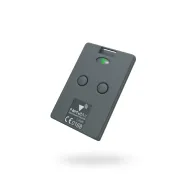
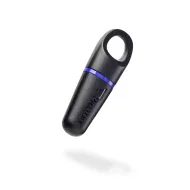
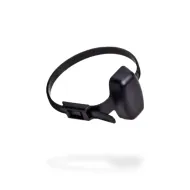
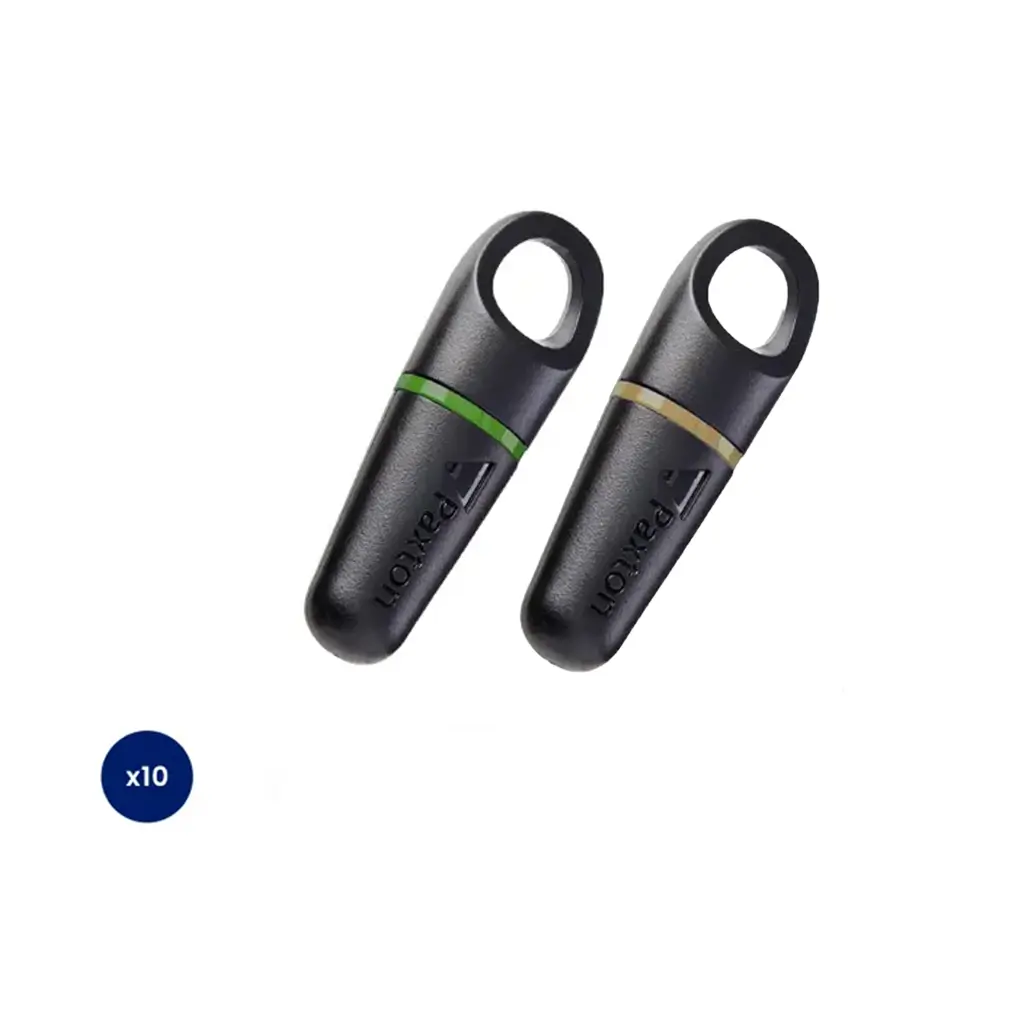
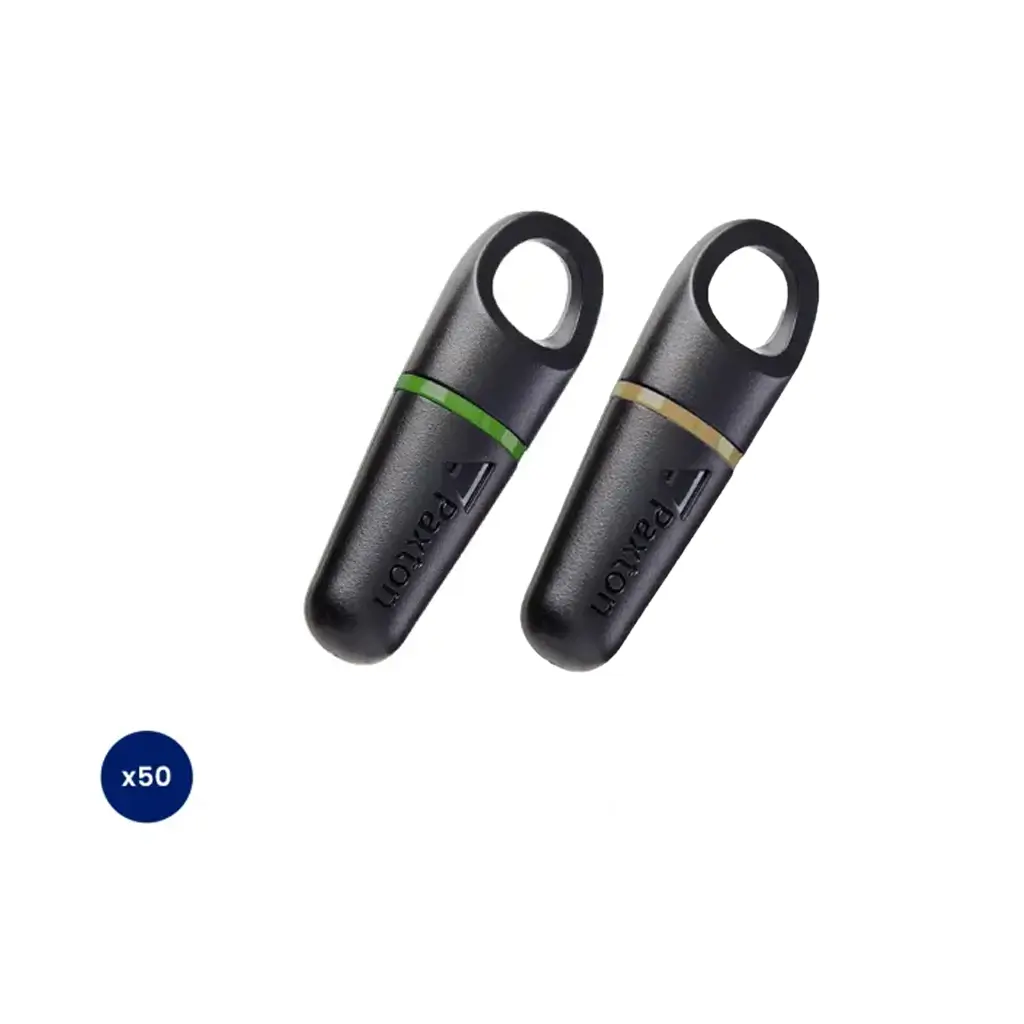
These Paxton Switch 2 proximity keyfobs offer contactless technology for easy entry through compatible readers. Each fob comes coloured as either green or amber and is offered in packs of 10 or 50.

Part Number:
  • Stock: In Stock
From £69.50
Inc Tax: £83.40

Available Options

Reset Options
Add to Cart
Get fast, Free Mainland UK Delivery on all orders over £150 with no hidden fees and no surprises.

With Expert Knowledge on hand, our team is here to help you choose with confidence.

Our Price Match Promise ensures you’ll never pay more than you have to.
Paxton Switch 2 Proximity Keyfobs | Secure Advanced Access

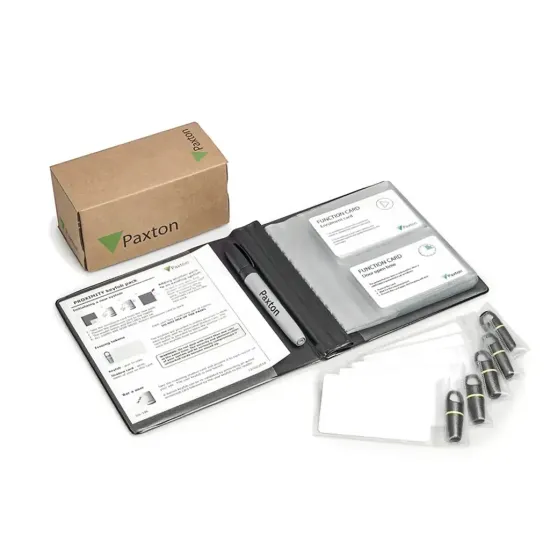
Providing employees and visitors with seamless access control, these Paxton (820-010G, 820-010A, 820-010R & 820-050G, 820-050A, 820-050R) fobs are designed to work with Switch2 systems, offering employees and visitors additional security, whilst protecting confidential data and equipment in certain areas.

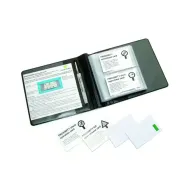
The keyfobs are supplied with shadow cards to store the users credentials when the fob has been issued. If the keyfob is lost, the shadow cards can be used to disable the fobs access, preventing unauthorised entry.

About - PROXIMITY keyfob packs are for use with PROXIMITY compact, Easyprox compact and Switch2 systems. An intuitive "shadow card" system is used for ease of management.

Operation - Once installation of the system is complete all user keyfobs are valid and ready to be issued. To issue a keyfob, remove it from the wallet and write the name of the user on its corresponding shadow card. The user may now use their keyfob to gain access. This process is repeated for all users. If a keyfob needs to be invalidated, the corresponding shadow card is removed from the wallet and presented to any relevant readers on the site. This invalidates the keyfob.


Switch 2 Features and Benefits:

  • Use with Paxton Access Control Systems (Compact and Switch 2)
  • Lifetime Guarantee on Keyfobs
  • Supplied as a pack of 10 fobs (820-010G). Larger 50 packs available on request
  • Green, amber or red ring colours to suit your site colour coding, available on request
  • Proximity Keyfobs Offering Contactless Entry
  • Simple, Scalable, Secure
  • Manage & Track Fobs with Shadow Cards

Paxton Switch2 keyfobs: common questions

What is a Paxton Switch2 proximity keyfob?
It is a contactless credential that a user holds up to a Paxton reader to unlock a door. Each fob carries its own unique code that the system recognises, so there is nothing to set up on the fob itself.

How do I issue a keyfob to a new user?
Take the fob out of the wallet, write the user name on its matching shadow card, then hand the fob over. Every fob in the pack is valid once the system is commissioned, so there is no enrolment step.

What do I do if a keyfob is lost?
Present its matching shadow card to any reader on the site. That cancels the lost fob straight away, so it can no longer open a door.

A keyfob has stopped working, what should I check?
First check the shadow card has not been presented to a reader by mistake, because that cancels the fob. Then confirm the user has access rights to that door, then try the fob on another reader to rule out a reader fault.

Which systems do these fobs work with?
Proximity Compact, Easyprox Compact and Switch2 systems. If you are running Net2 or Paxton10, check which credential your readers use before ordering. Just ask us if you would like that confirmed.

What colours are available?
Green (820-010G), amber (820-010A) and red (820-010R) in packs of 10. The same fobs come in 50 packs as 820-050G, 820-050A and 820-050R.

If you cannot see the pack size or colour you need, get in touch and we will sort it for you.

Paxton Switch 2 KeyFobs
(820-010A/G)


Paxton 820-010A Switch 2 fobs come in 10 packs and can be purchased in Amber or Green.

Paxton Switch 2 KeyFobs
(820-050A/G)


Paxton 820-050A Switch 2 fobs come in packs of 50 for larger businesses looking to scale quickly.

Installation Instructions for Paxton Switch 2 Proximity Keyfob


Initialising a new system:

1. Take the Enrolment card from the new pack.

2. Present the Enrolment card to the reader.

3. The reader beeps and the LED's light up.

4. All users are now valid. Keep the Enrolment card safe as you will need the card to add more fobs in the future.

Adding another pack to an existing system:

In order to add another pack to an existing system, you will first need to present the Enrolment card from an existing active pack. Once that is complete follow by presenting the Enrolment card from the new pack.


This product is made of other plastics


Other plastics are not recycled in the UK and cannot be disposed of in standard household recycling collections. This product must be disposed of with your non-recyclable waste.